Direct download
Straight from us, signed and checked by Apple.
- The zmatrix command line for scripts and Terminal
- Native plugins and local tool servers
- Power use in the performance monitor
- Updates when you ask, or a daily check if you prefer
Download
Choose how you'd like to get it. Both versions give you the full app; the direct download adds a few extras for developers.
Straight from us, signed and checked by Apple.
Installed and kept up to date by the App Store.
Requirements
| Mac | A Mac with Apple silicon |
|---|---|
| macOS | macOS 26 or later |
| Memory | 16 GB is all it takes. With more memory, you can run bigger models. |
| Disk | About 110 MB for the app, plus room for your models, which can also live on an external drive. |
| Internet | Only to download and share models, check for updates (you can turn this off), and use services you add yourself |
| Languages | English, Chinese (Simplified), French, German, Hindi, Japanese, Kannada, Malayalam, Spanish, Tamil and Telugu |
| iPhone app | ZMatrix AI Companion needs iOS 26 or later |
| Android app | ZMatrix AI Companion needs Android 10 or later on a 64-bit phone |
Compare
| Direct download | Mac App Store | |
|---|---|---|
| The full app and every model format | Yes | Yes |
| Share models with your other apps | Yes | Yes |
| Online tools and skills | Yes | Yes |
| Command line for Terminal | Yes | — |
| Local tools and native plugins | Yes | — |
| Power use readings | Yes | — |
| App Store privacy sandbox | — | Yes |
| Updates | From the app | From the App Store |
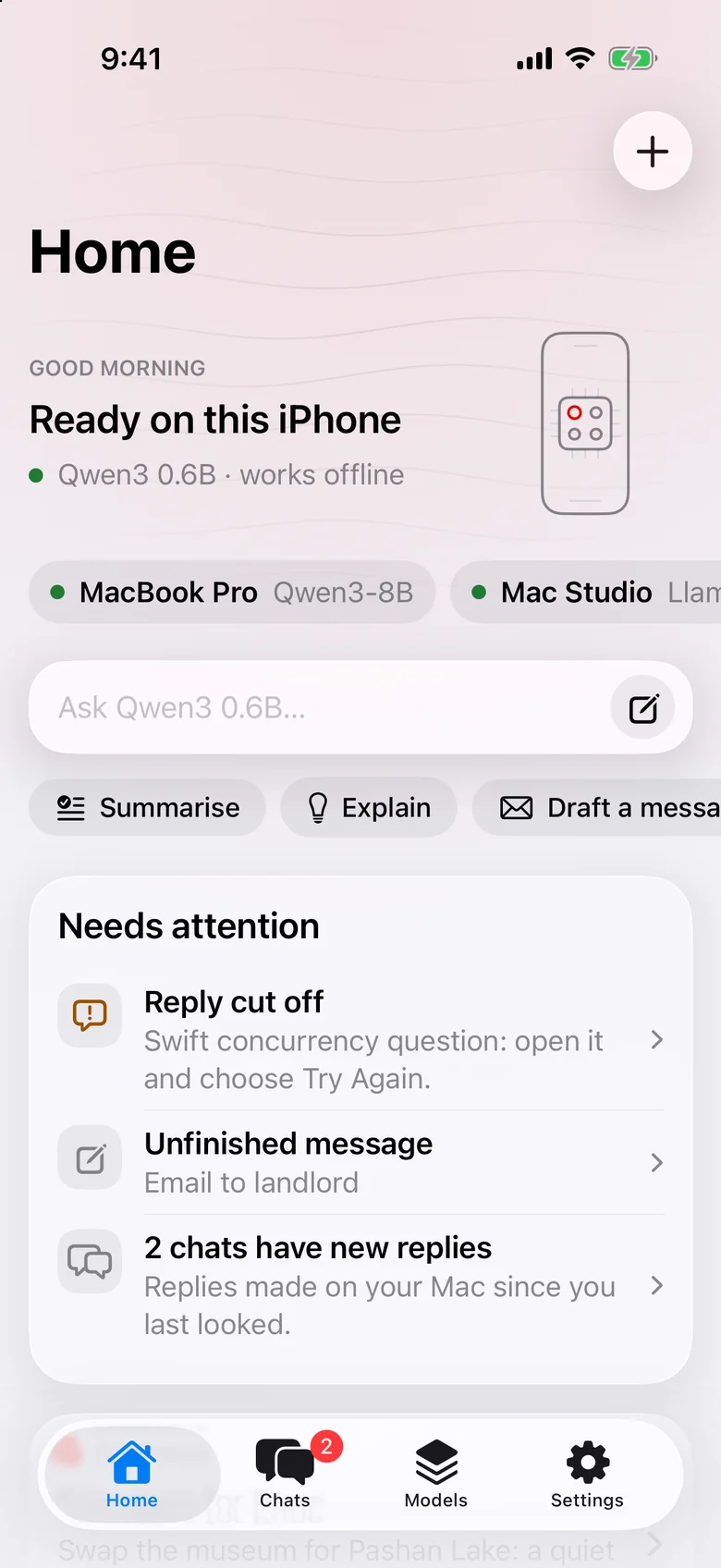
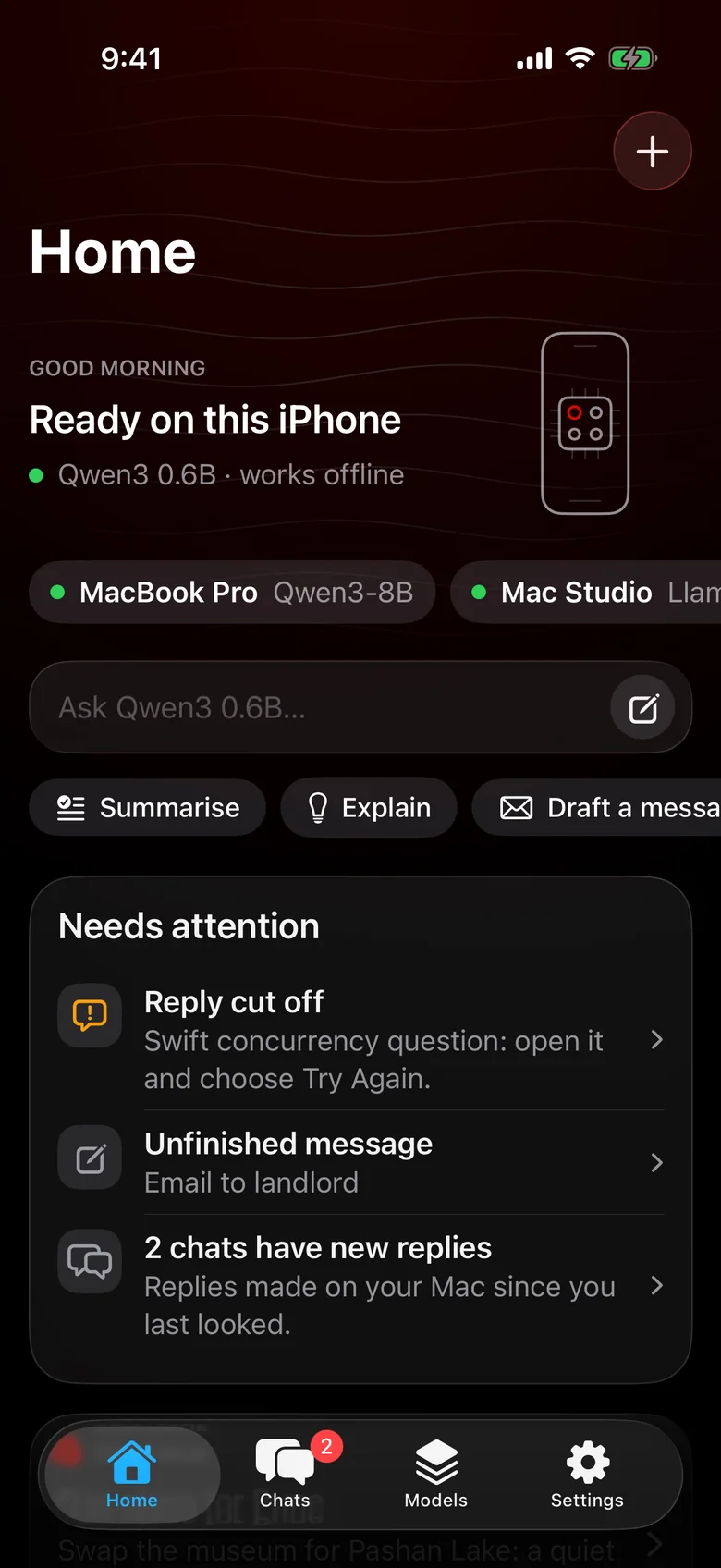
For iPhone and Android
Private AI on your phone that works with no signal. On iPhone, it connects to your Mac for more. Coming soon to the App Store and Google Play.