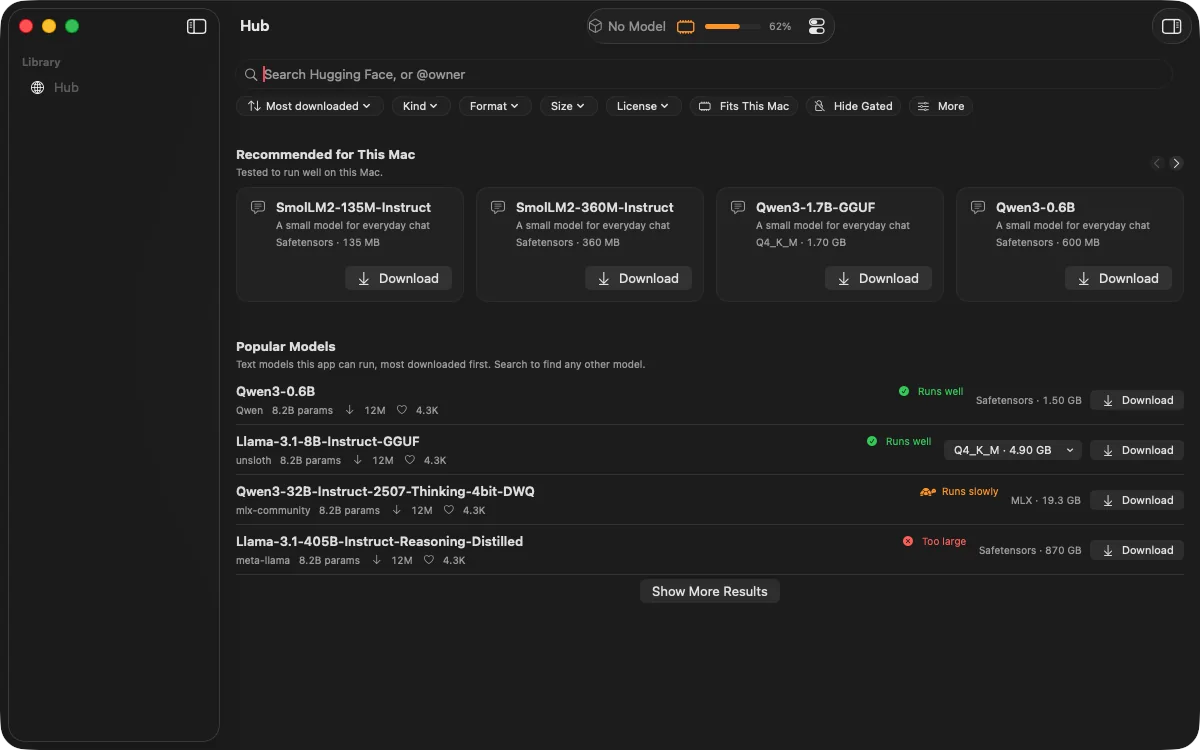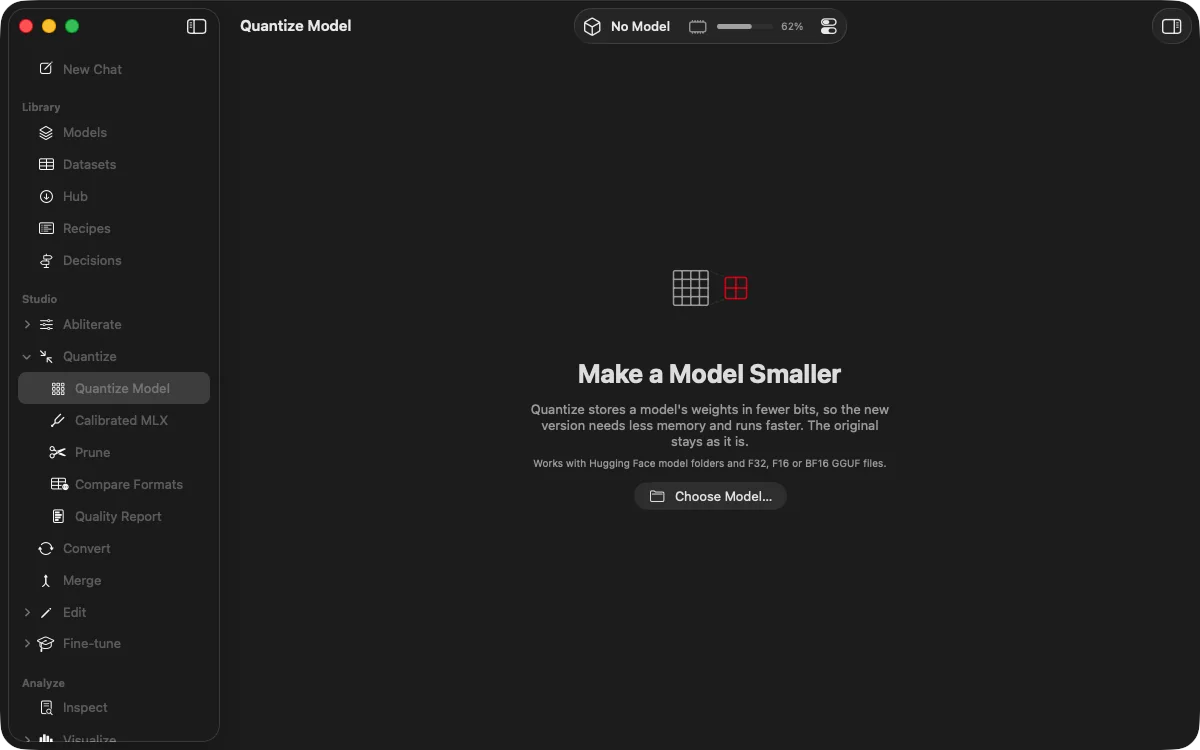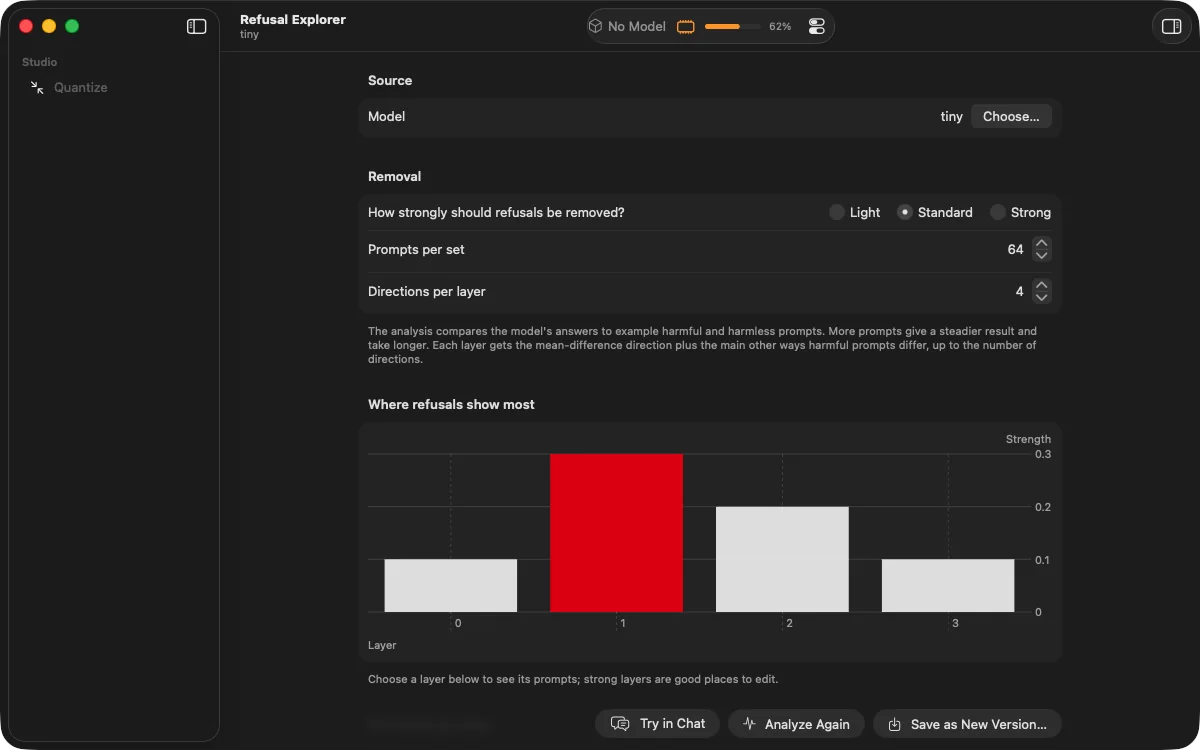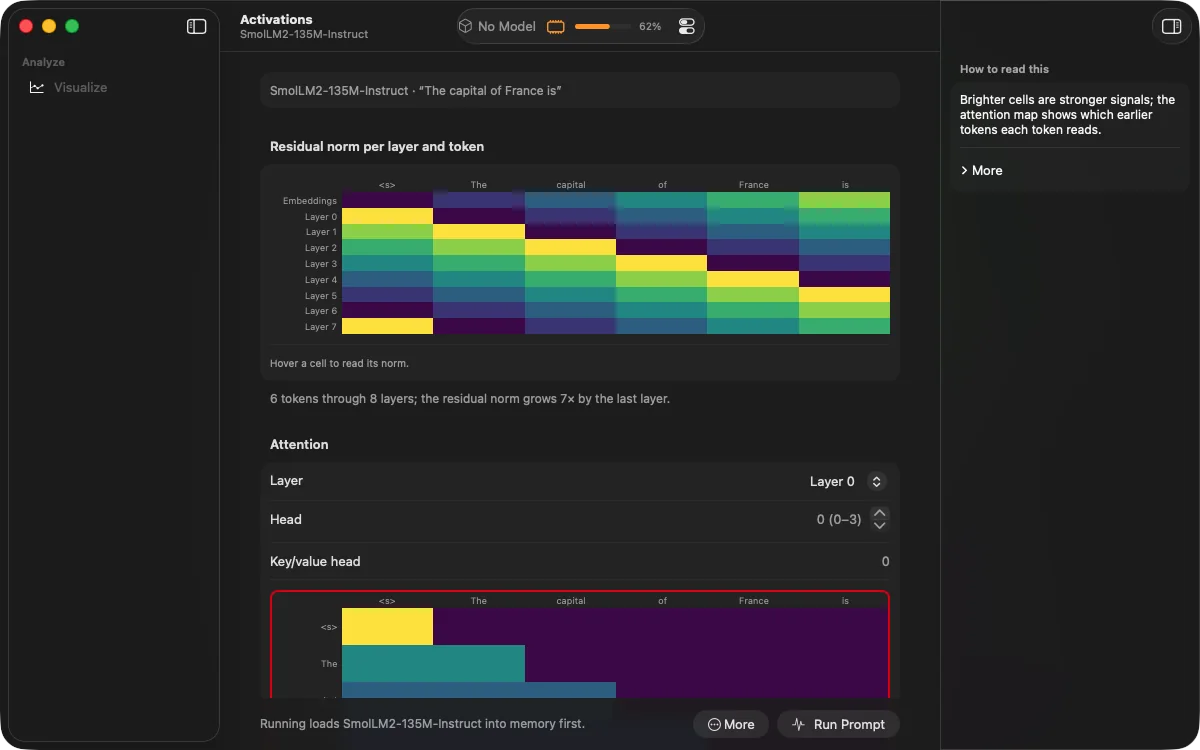
Discover
The right model, in seconds.
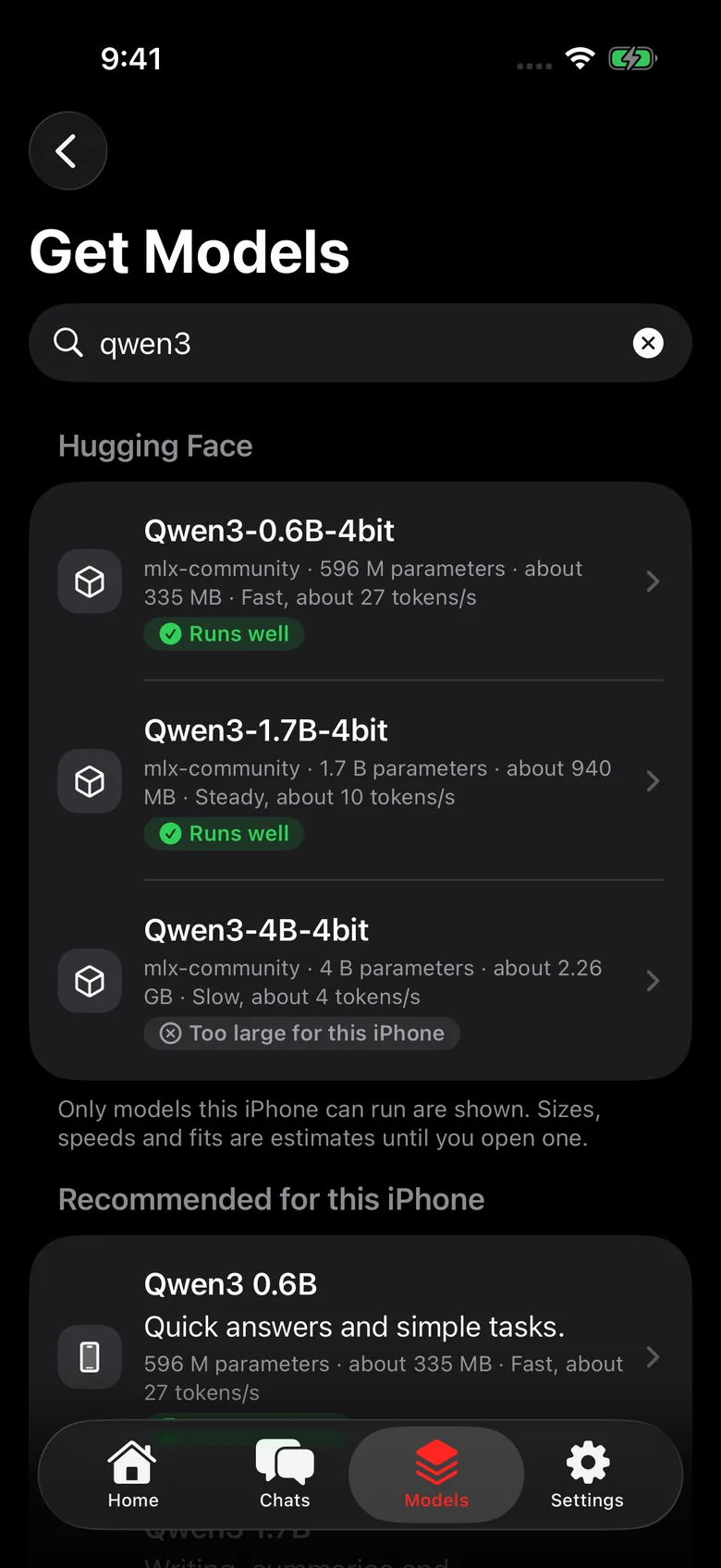
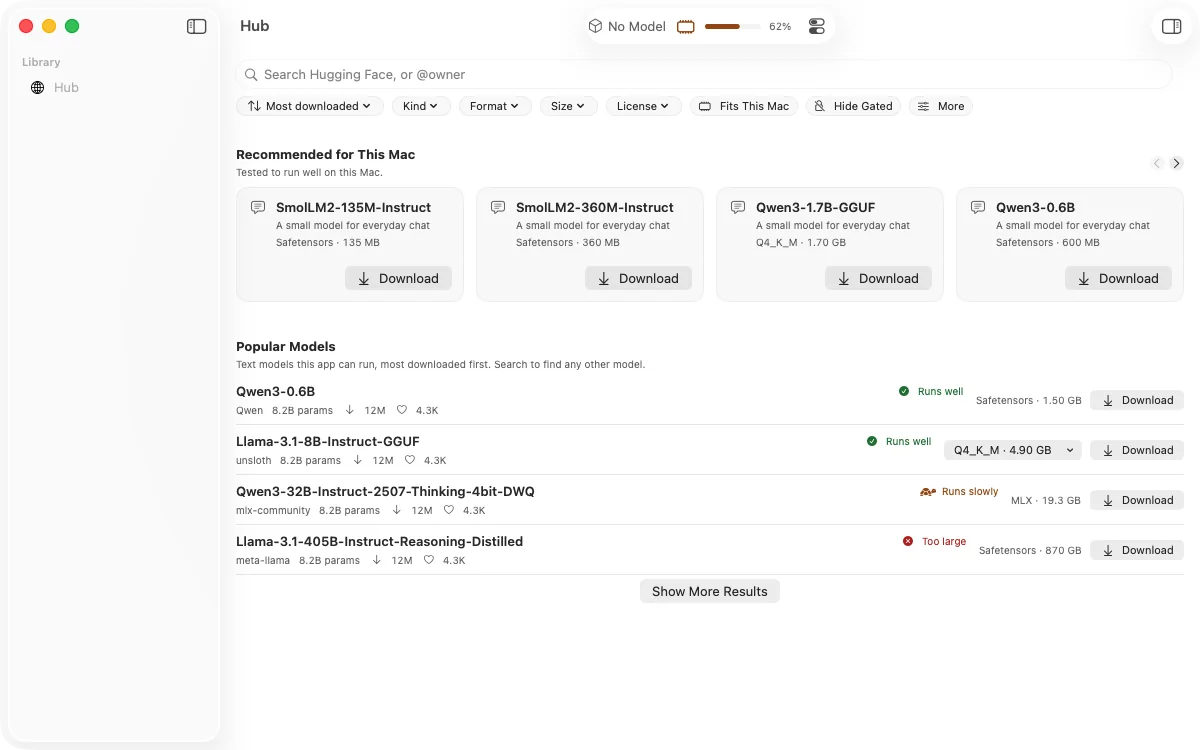
Browse thousands of open models from Hugging Face. Each one tells you whether it will run well on your Mac, before you download a thing.
For Mac with Apple silicon
Download powerful open AI models, make them smaller and faster, shape how they respond, and chat with them in private. Everything happens on your Mac.
Everything in one app
Discover
Browse thousands of open models from Hugging Face. Each one tells you whether it will run well on your Mac, before you download a thing.
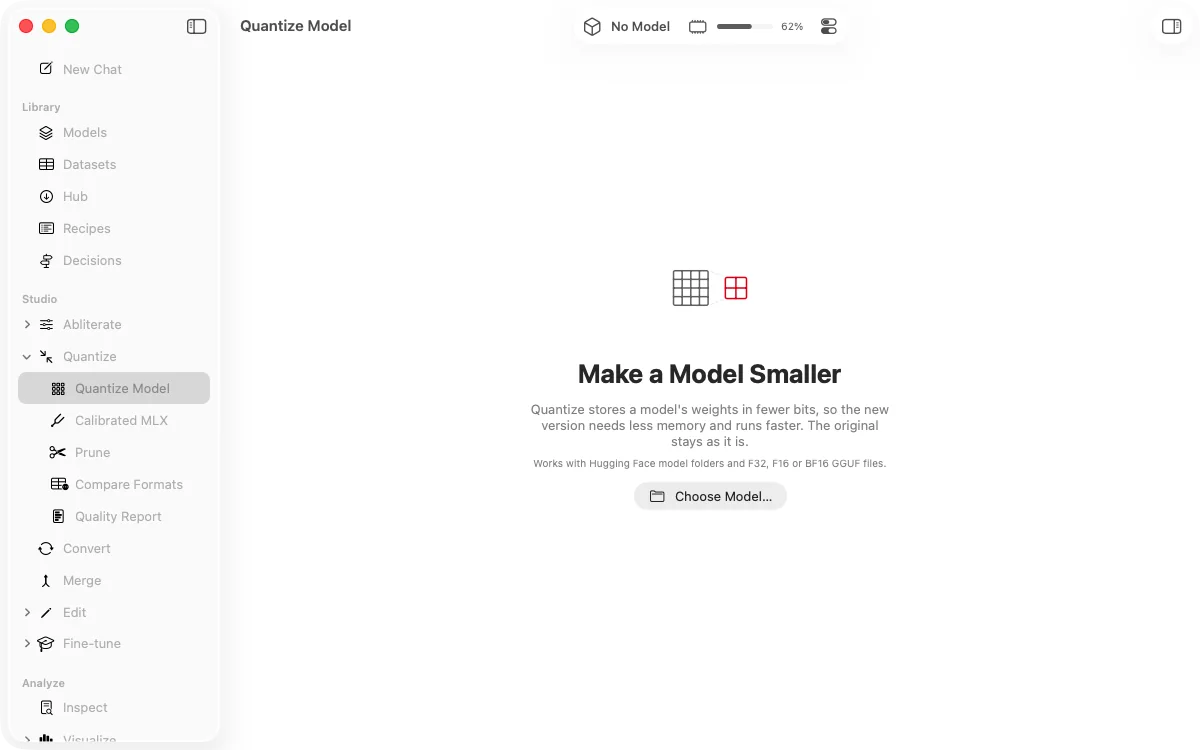
Shrink
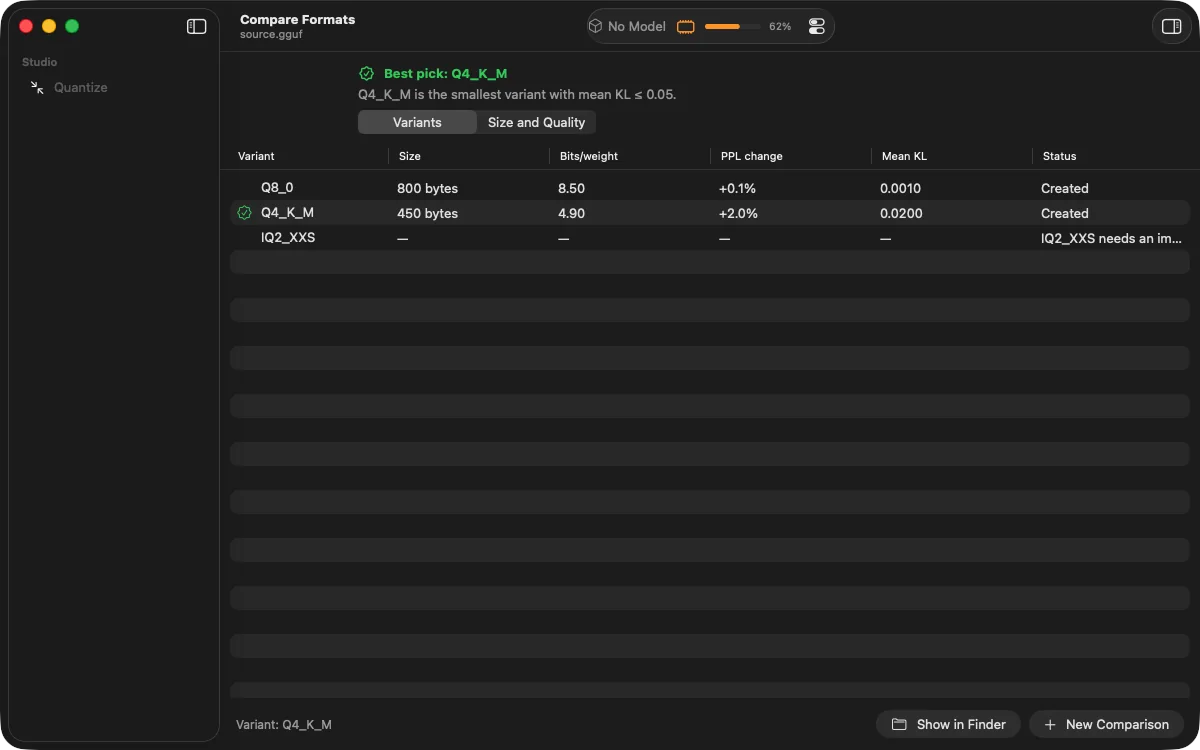
Compress a model to a fraction of its size, with a clear report on how much quality it kept.
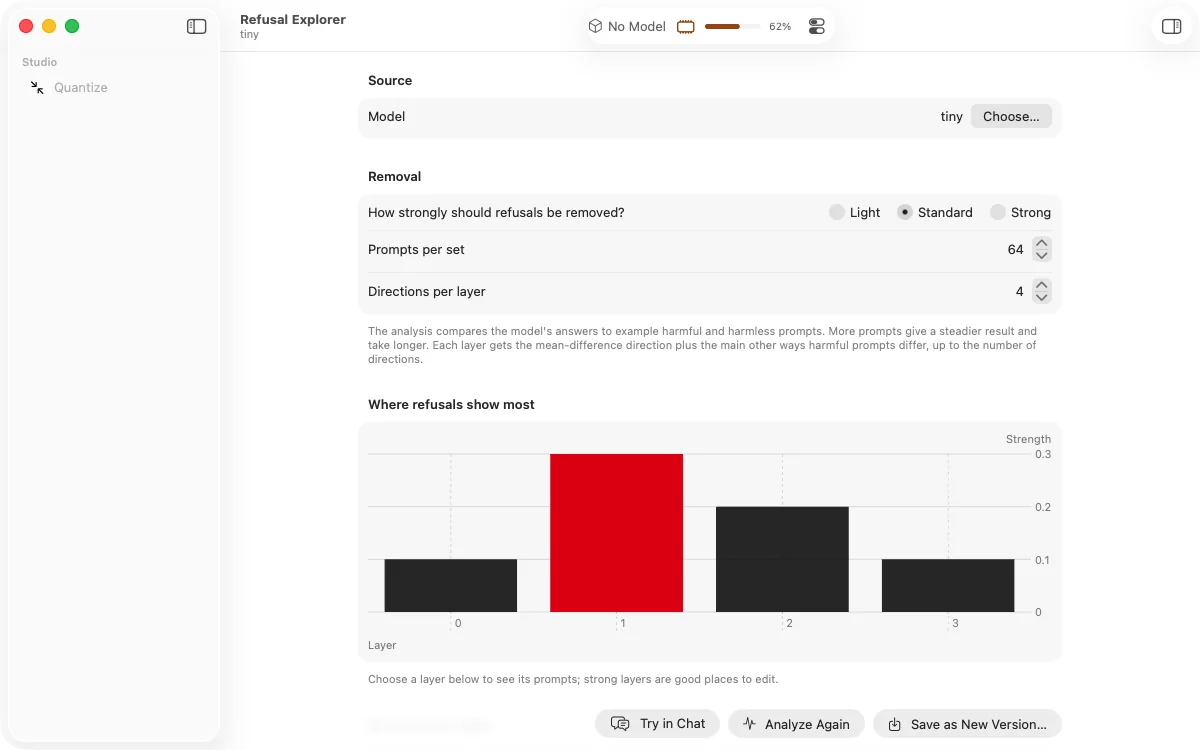
Customise
Make a model more direct, less preachy, or more like you, without the time and cost of retraining it.
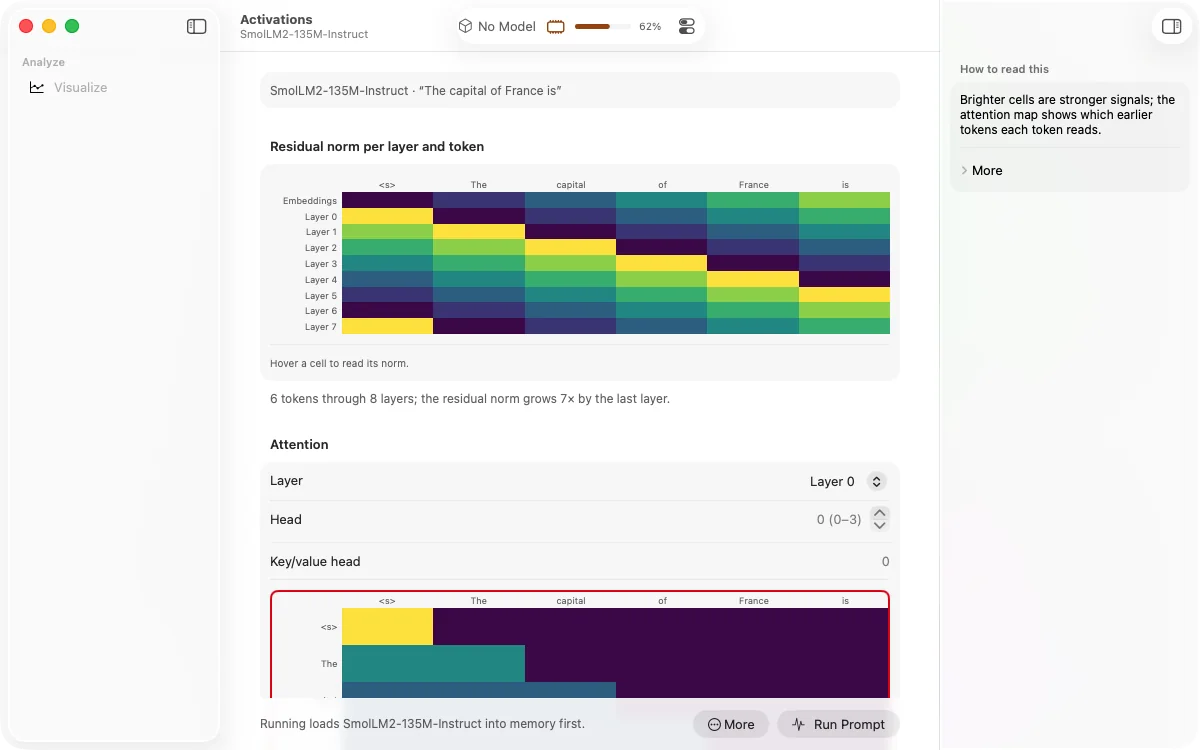
Understand
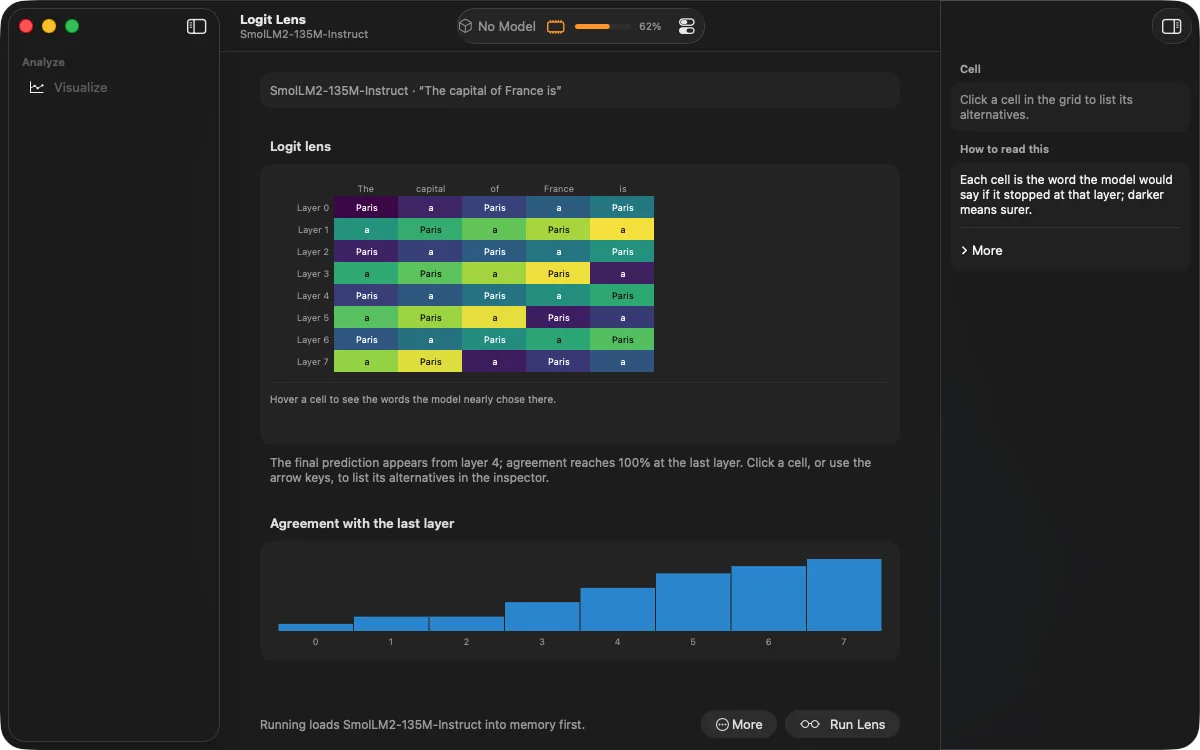
Follow a question as it travels through the model, step by step, in clear and colourful views.
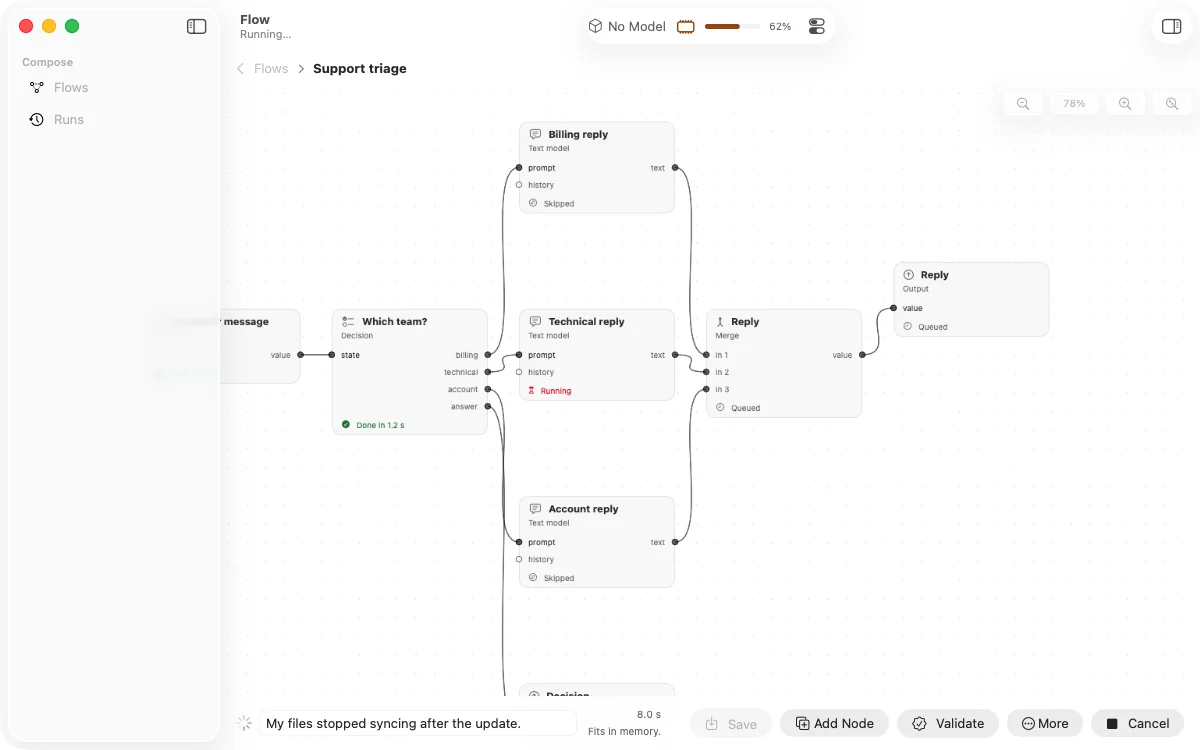
Automate
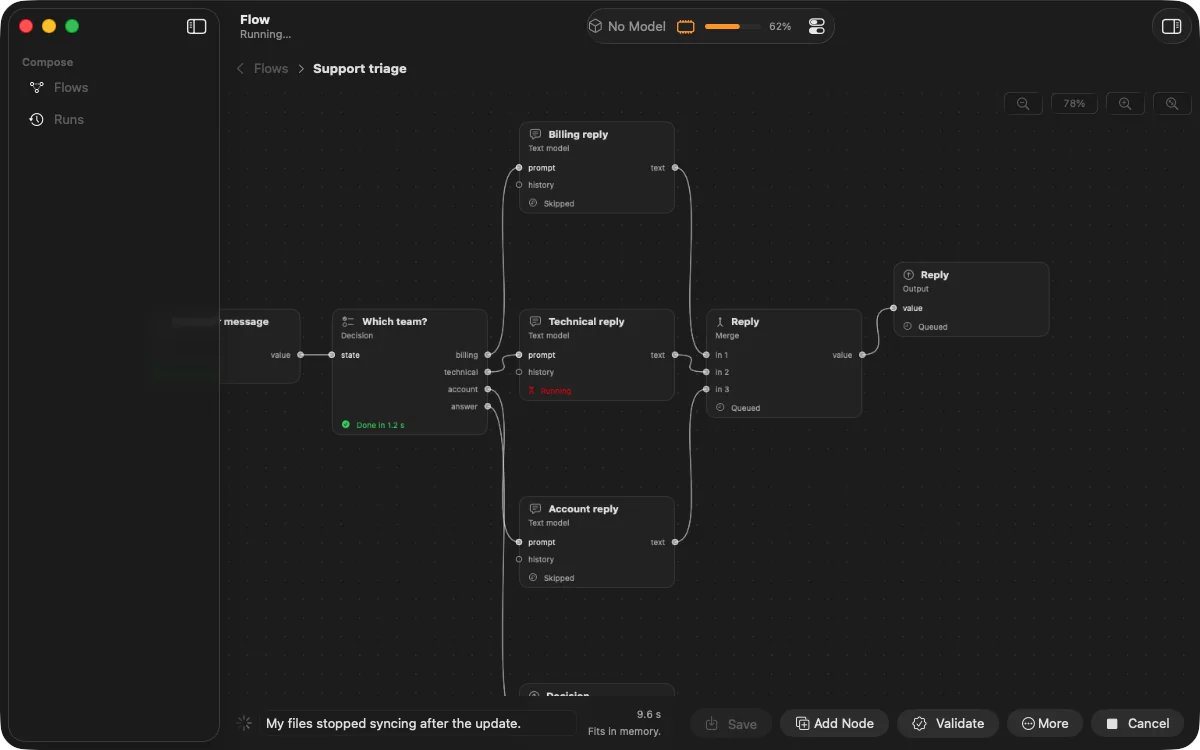
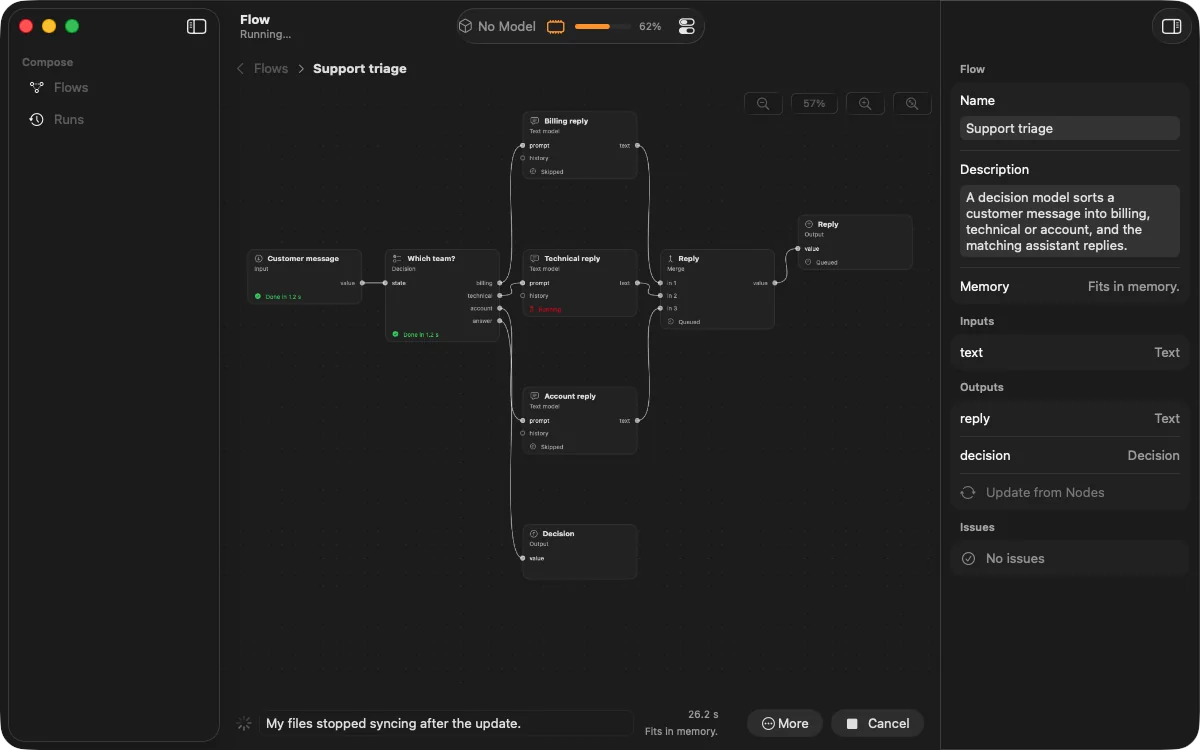
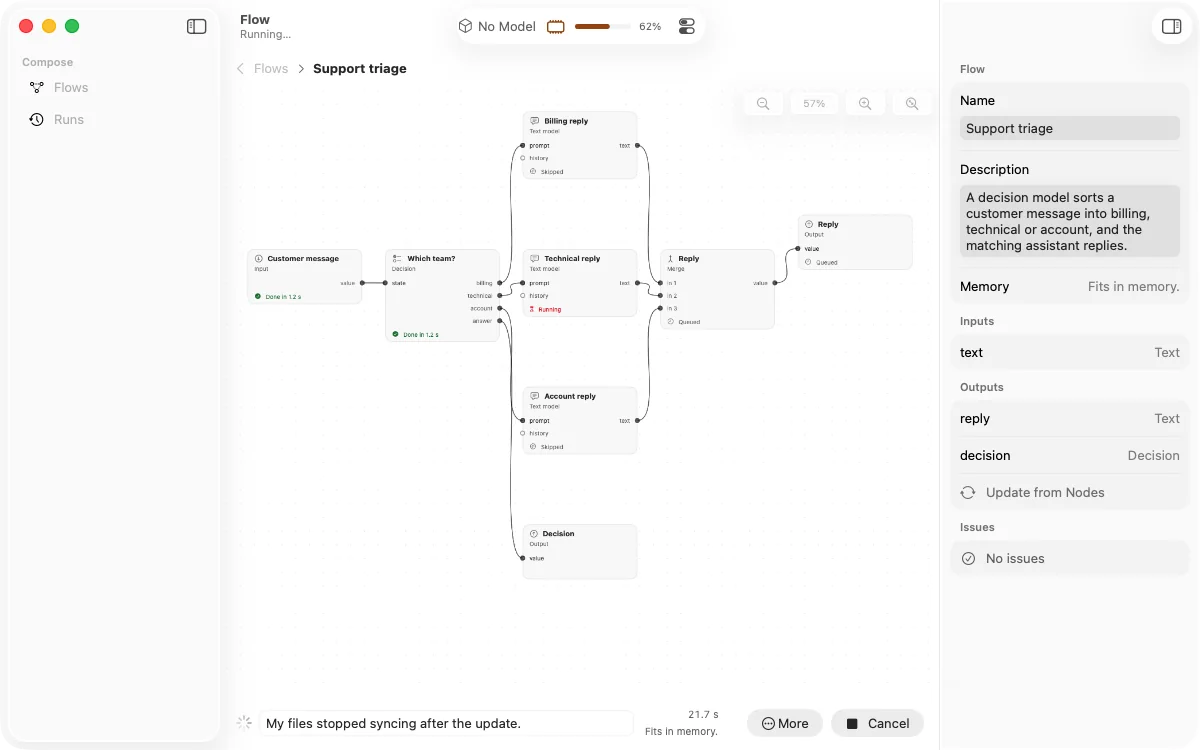
Connect steps on a canvas: sort an incoming message, draft the right reply, read it aloud. No code required.
Chat
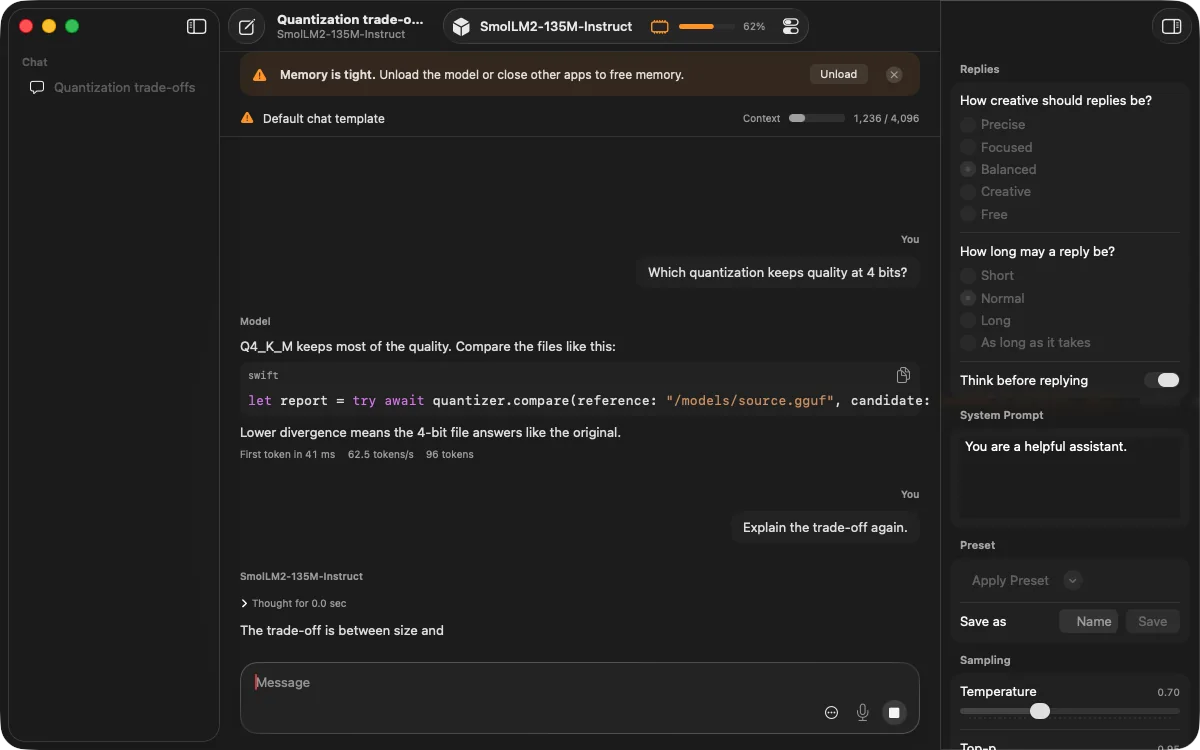
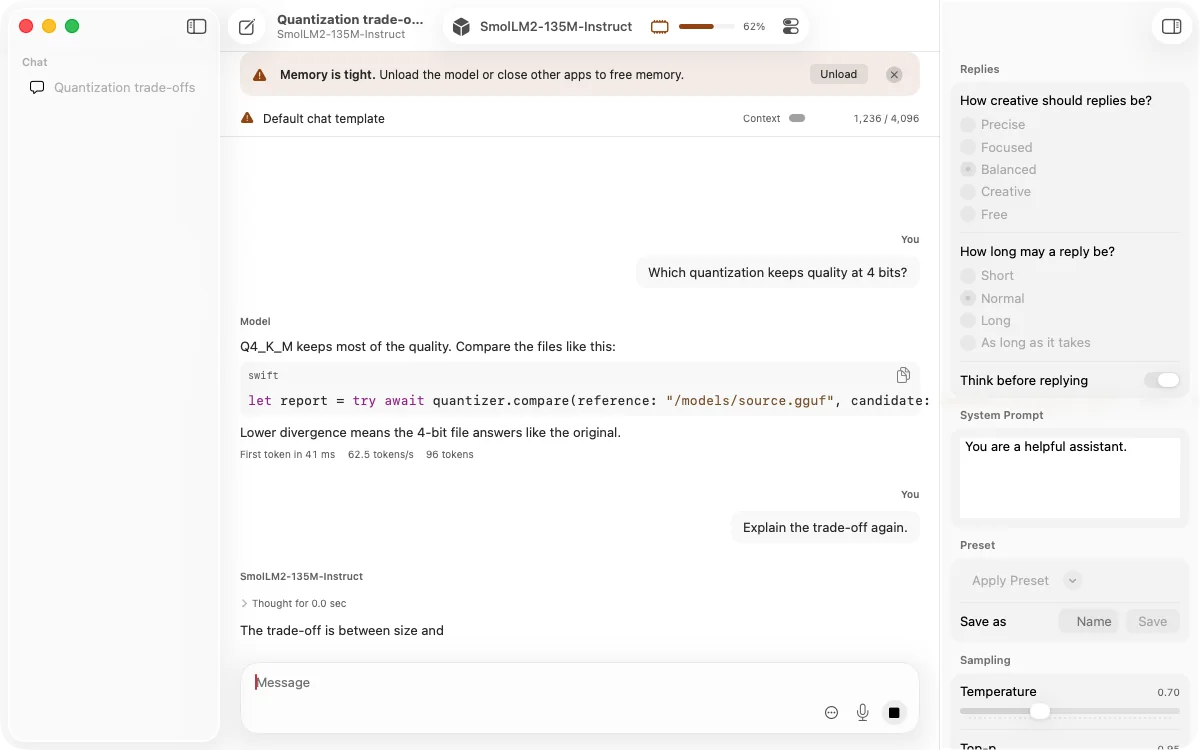
A fast, private chat for every model you have, plus a built-in server so your other apps can use them too.
Conversations sent to the cloud. Your chats and models stay with you.
Is all it takes. Built to run beautifully on an everyday Mac.
To make a model smaller, faster and lighter on memory.
Languages, from English and Japanese to Hindi, Tamil and Telugu.
How it works
01 — Discover
ZMatrix recommends models made for your Mac and tells you up front how each one will run: smoothly, slowly, or not at all.
02 — Shrink
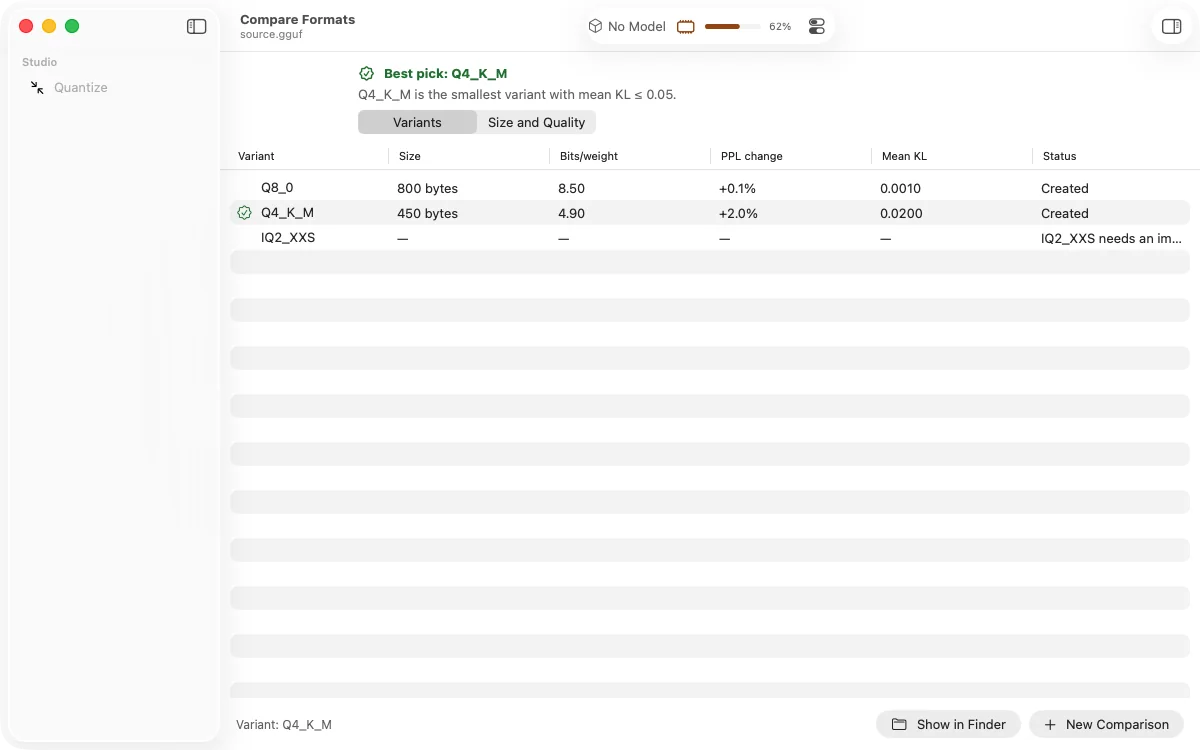
Create several compact versions at once. ZMatrix compares them for you and recommends the smallest one that still answers well.
03 — Customise
See where a habit like refusing to help lives inside the model, then decide what to change. You stay in control of every edit.
04 — Understand
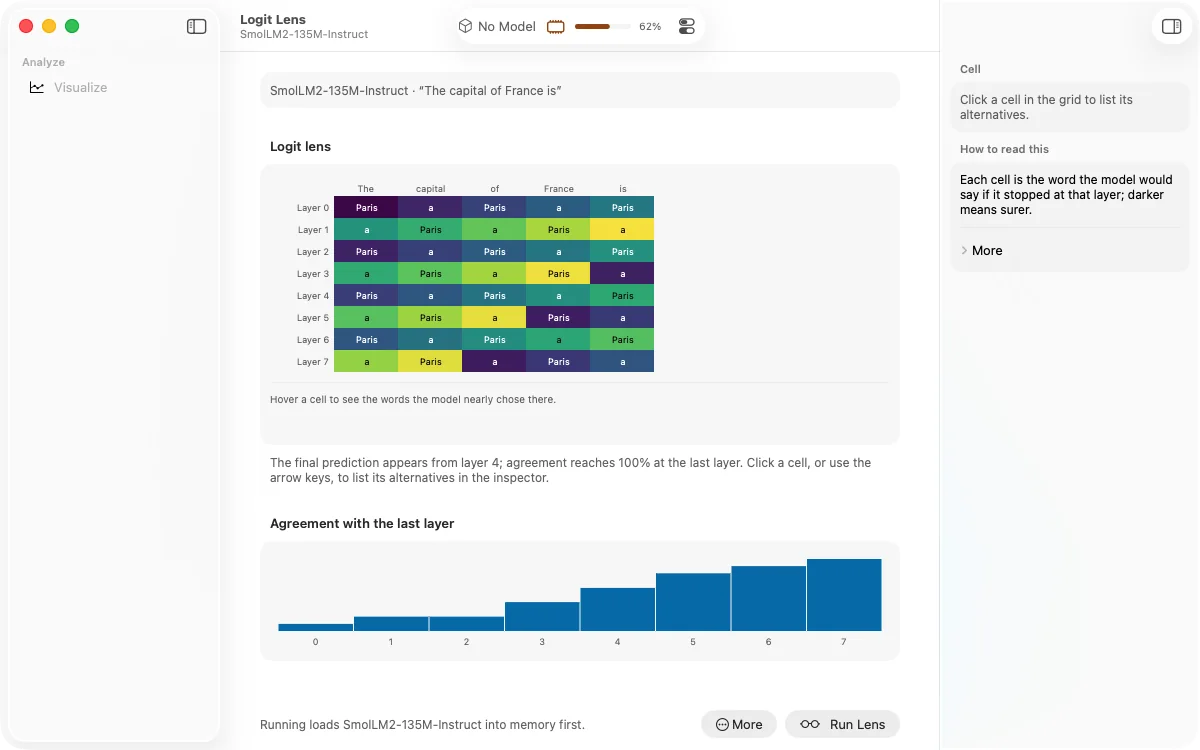
Watch what the model is thinking at every step on its way to an answer, in views that explain themselves as you go.
05 — Compare
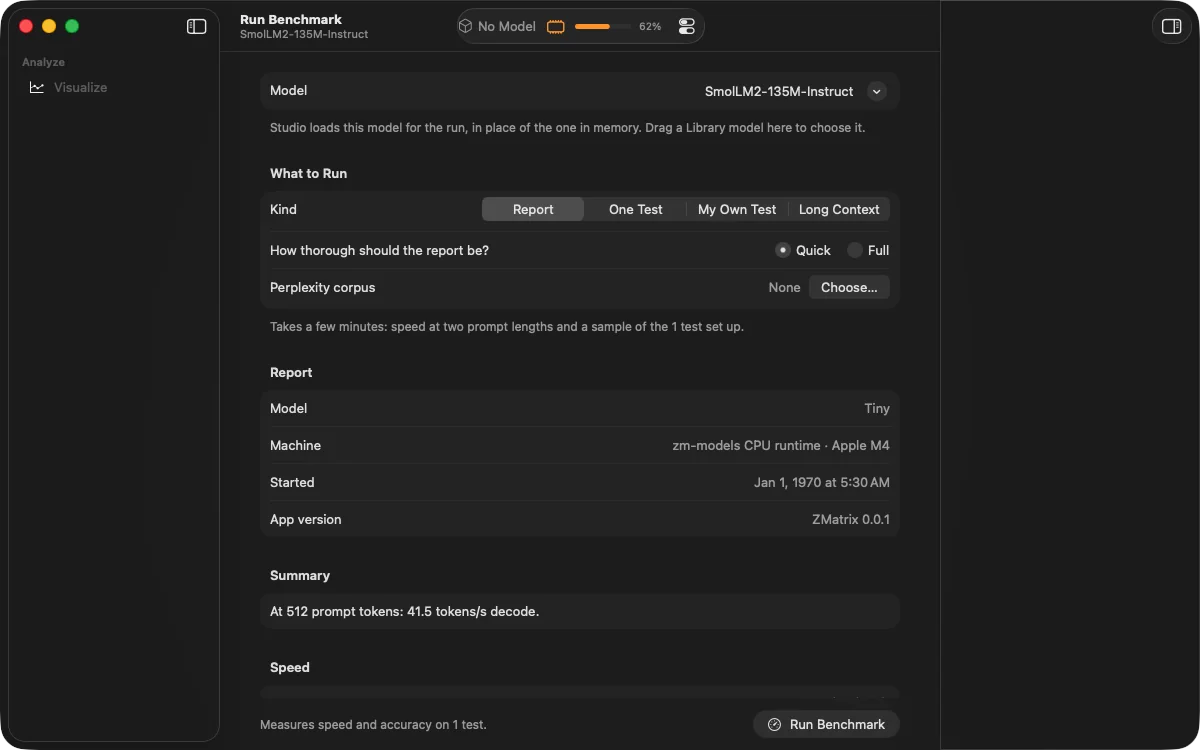
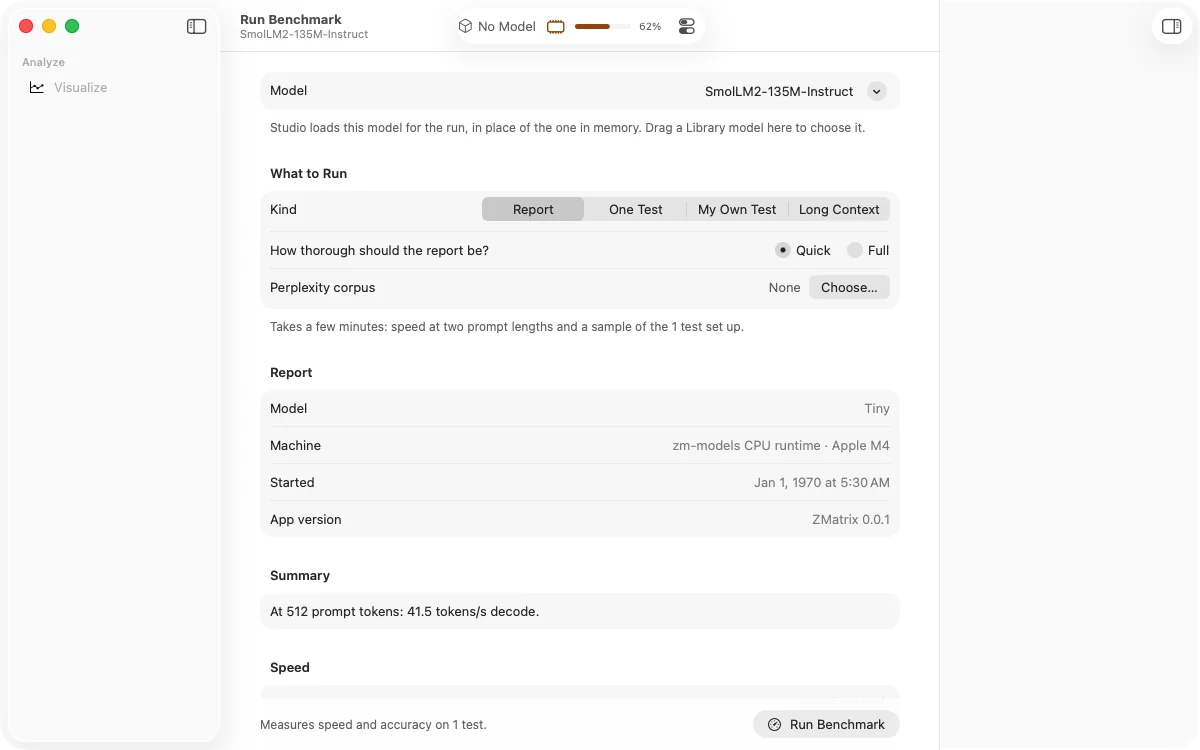
Test how fast and how good each version is, compare answers side by side without knowing which is which, and keep every result.
06 — Chat
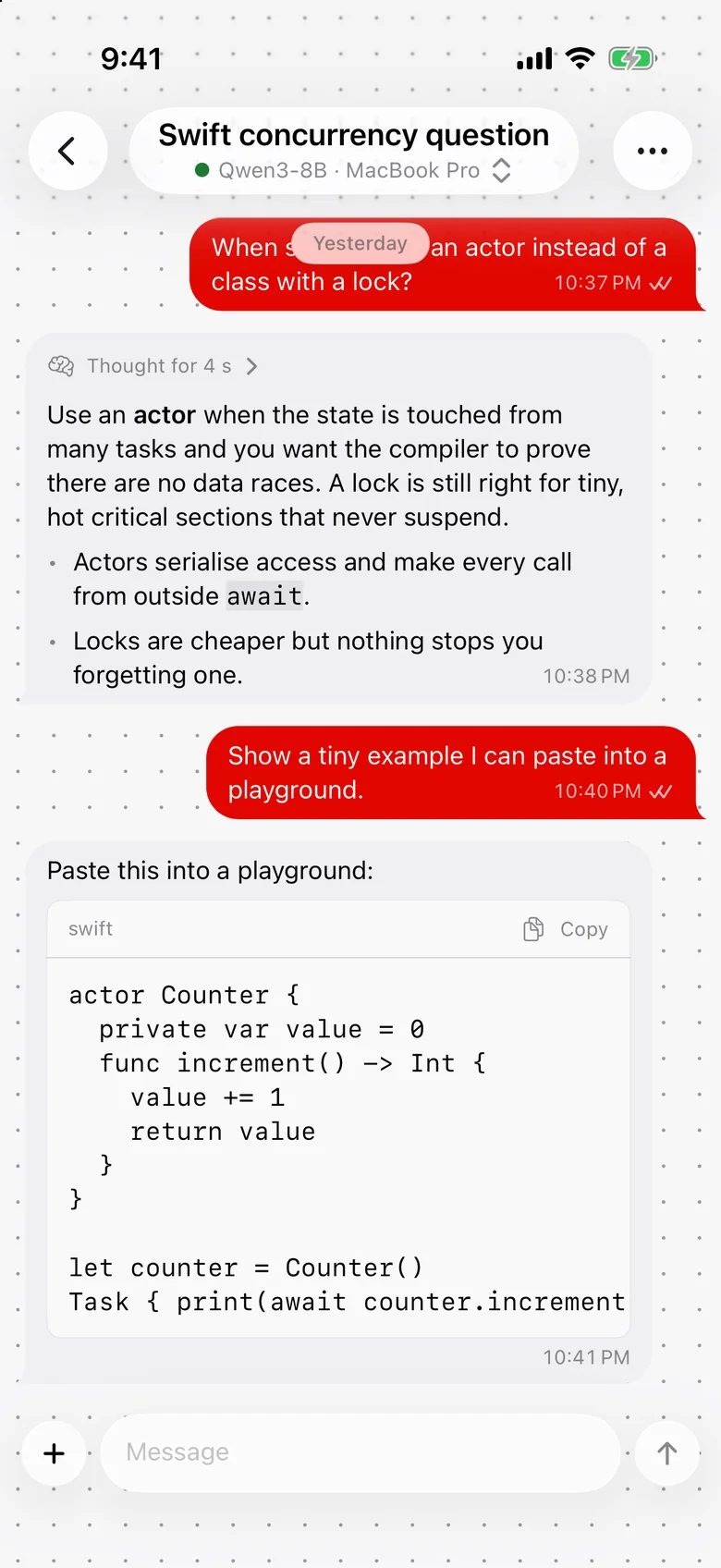
Chat with any version you've made, with pictures, voice and a live view of its speed and memory.
See the difference
Original
Approximate sizes for a model with 8 billion parameters. Each square stands for one of the model's numbers. Smaller files use fewer shades, and the red square marks the biggest change.
Smart about memory
ZMatrix checks your Mac's memory before it loads anything. If a model is too big, it tells you why and finds a way that works, instead of slowing your Mac to a crawl.
$ zmatrix fit ~/Models/Qwen3-8B 8192 chat
Rung                                                        Verdict            Peak
As asked                                                    will_not_fit  17.87 GiB
K/V cache 8-bit                                             will_not_fit  16.23 GiB
Stream every block from disk (K/V cache FP32, 8192 tokens)  will_not_fit   5.65 GiB
Stream every block from disk (K/V cache 8-bit, 8192 tokens) will_not_fit   4.01 GiB
Nothing fits, even with the weights streamed from disk.

# From the report's notes and suggestions:
Predicted peak 17.87 GiB exceeds the 2.23 GiB available.
Use 4-bit weights: saves 10.97 GiB, peak 6.90 GiB.
Real output: on a busy Mac with little memory free, ZMatrix explains what won't fit and suggests what will, without loading a thing.
Our promises
Every change creates a new version, and copies take almost no extra space. Go back, try another idea, or compare any two.
Every model you make remembers exactly how it was made, so you can repeat it, explain it, or share it with confidence.
Built for Apple silicon from the ground up. No web page in disguise and nothing extra to install. A true Mac app.
Your models and conversations stay on your Mac. It only goes online to download models, check for updates, or use services you add yourself.
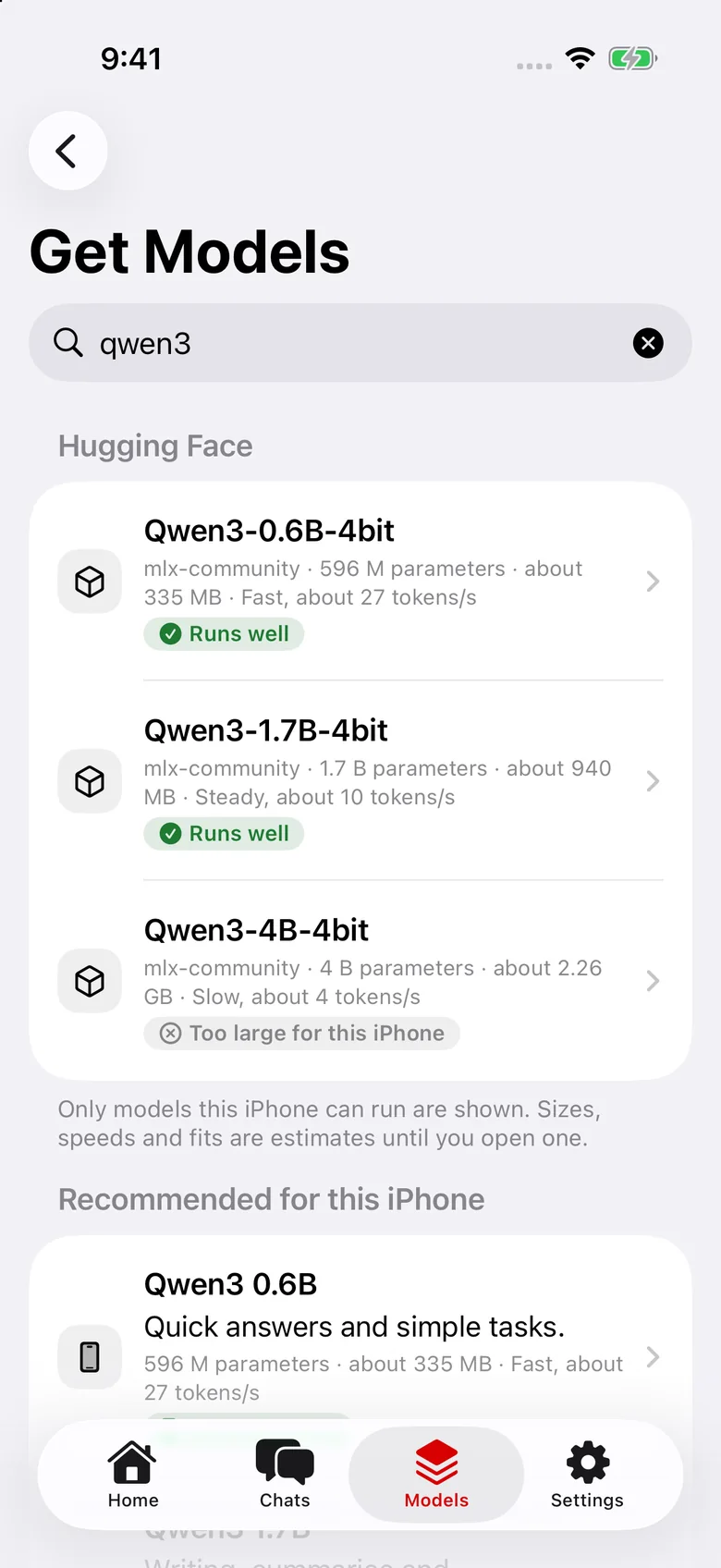
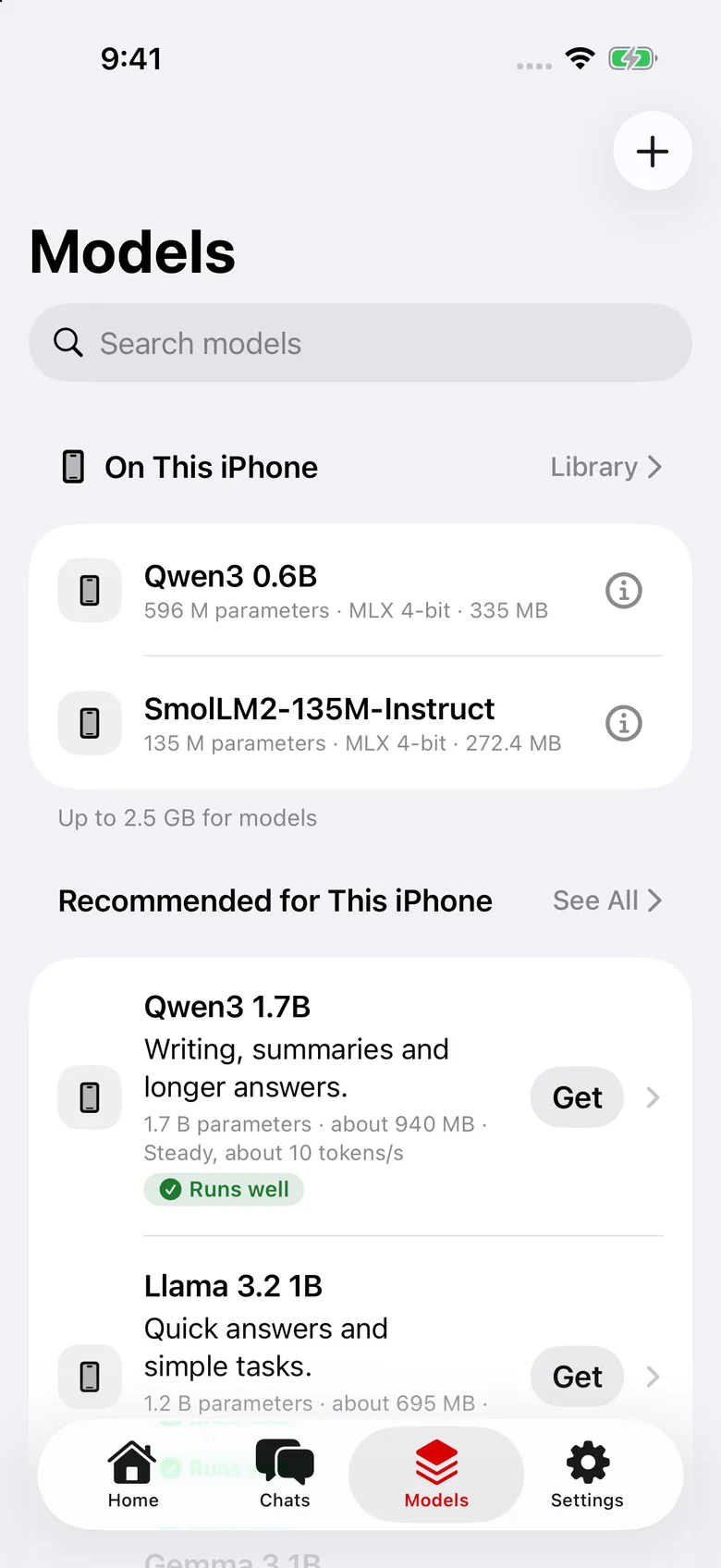
ZMatrix AI Companion for iPhone and Android
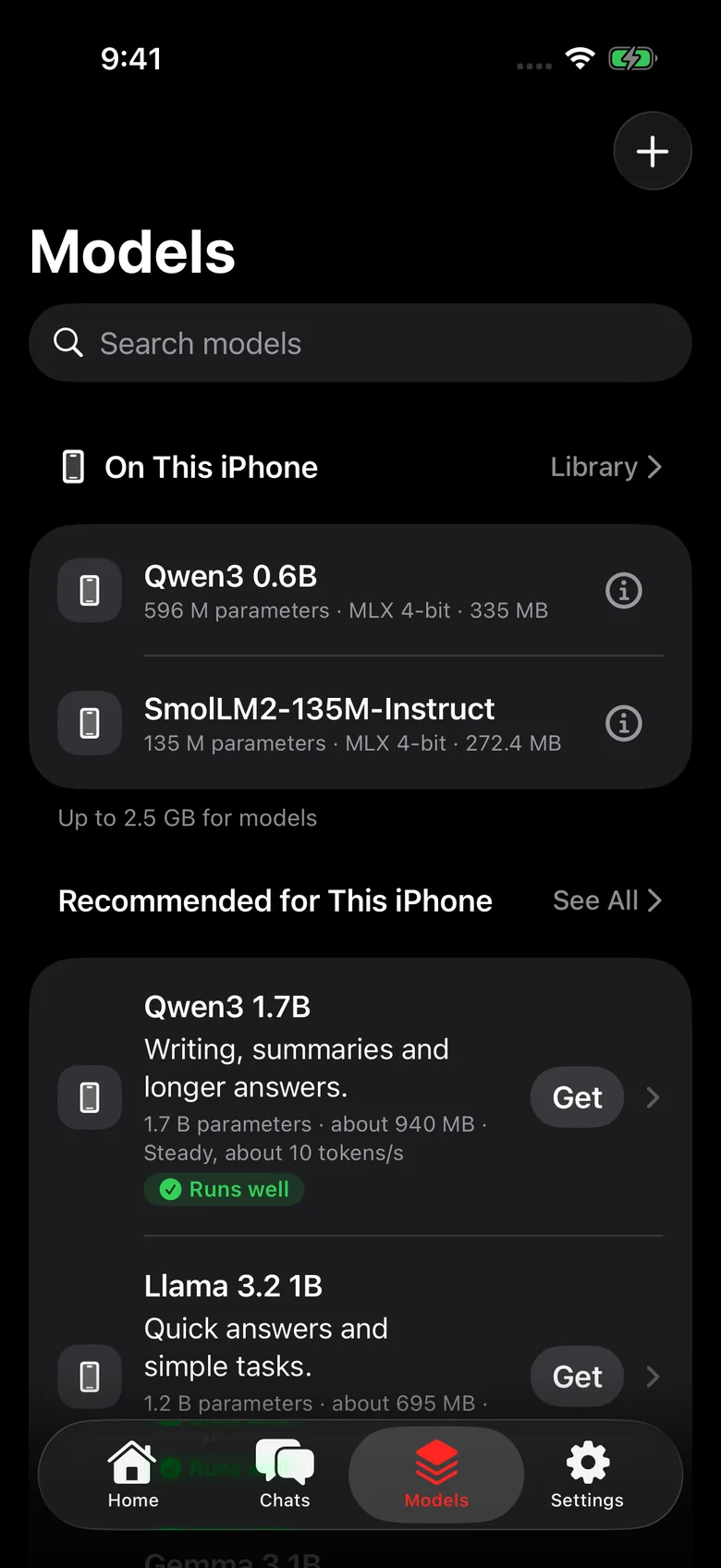
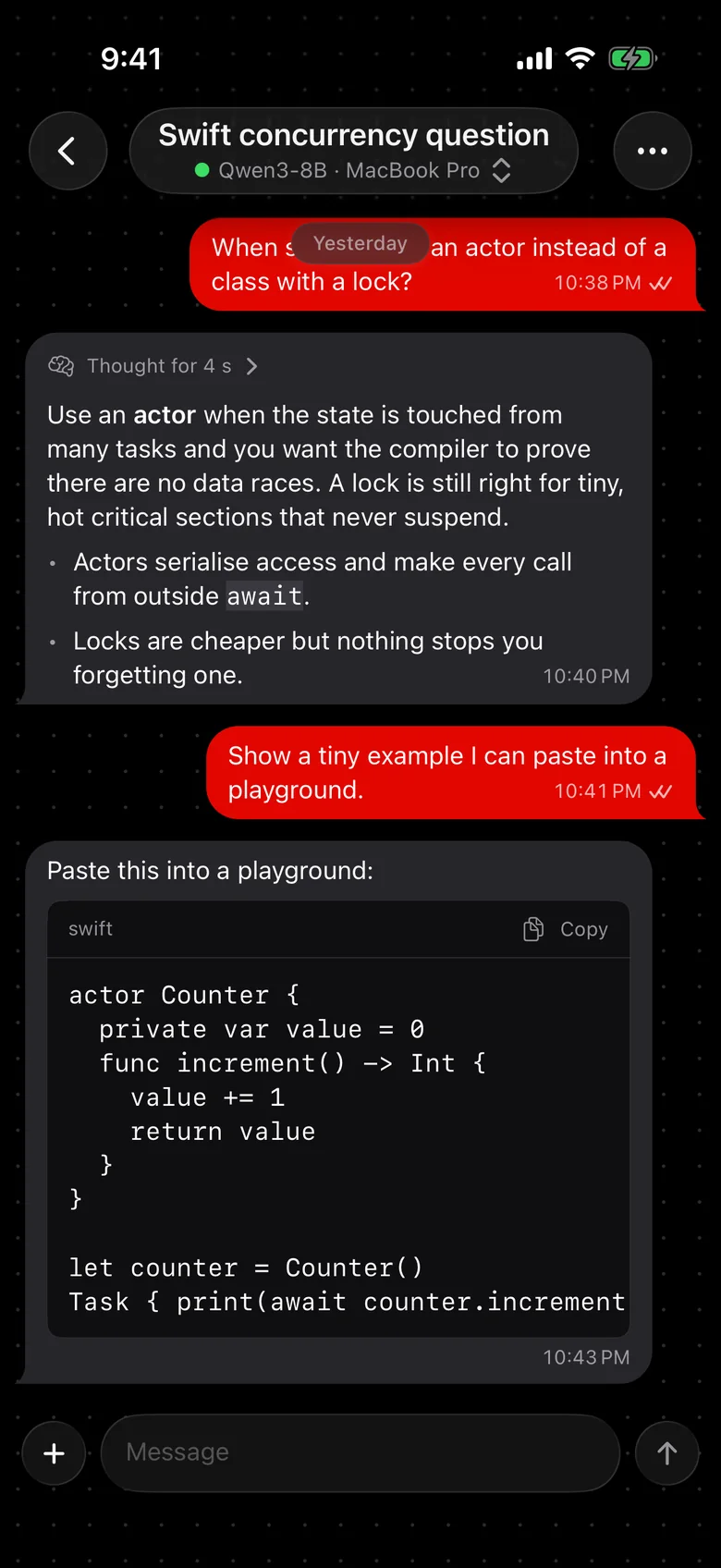
Download a model made for your phone and chat with it with no signal at all. On iPhone, connect to your Mac with a single scan for something more powerful.
$ zmatrix --version
zmatrix 0.0.1
$ zmatrix system-info | grep -E 'chip_name|_cores|memory_pressure"'
    "performance_cores": 4,
    "efficiency_cores": 6,
    "chip_name": "Apple M4",
  "memory_pressure": "warning",
$ zmatrix quantize-model ~/Models/Qwen3-8B ~/Models/Qwen3-8B-Q4 Q4_K_M
$ zmatrix serve --model ~/Models/Qwen3-8B-Q4 --port 8080
For developers
The app's tools also run from Terminal, and a built-in server lets your own apps and scripts use your models.

Download ZMatrix Model Studio and have your first model running in minutes. A friendly setup guide checks your Mac for you.